
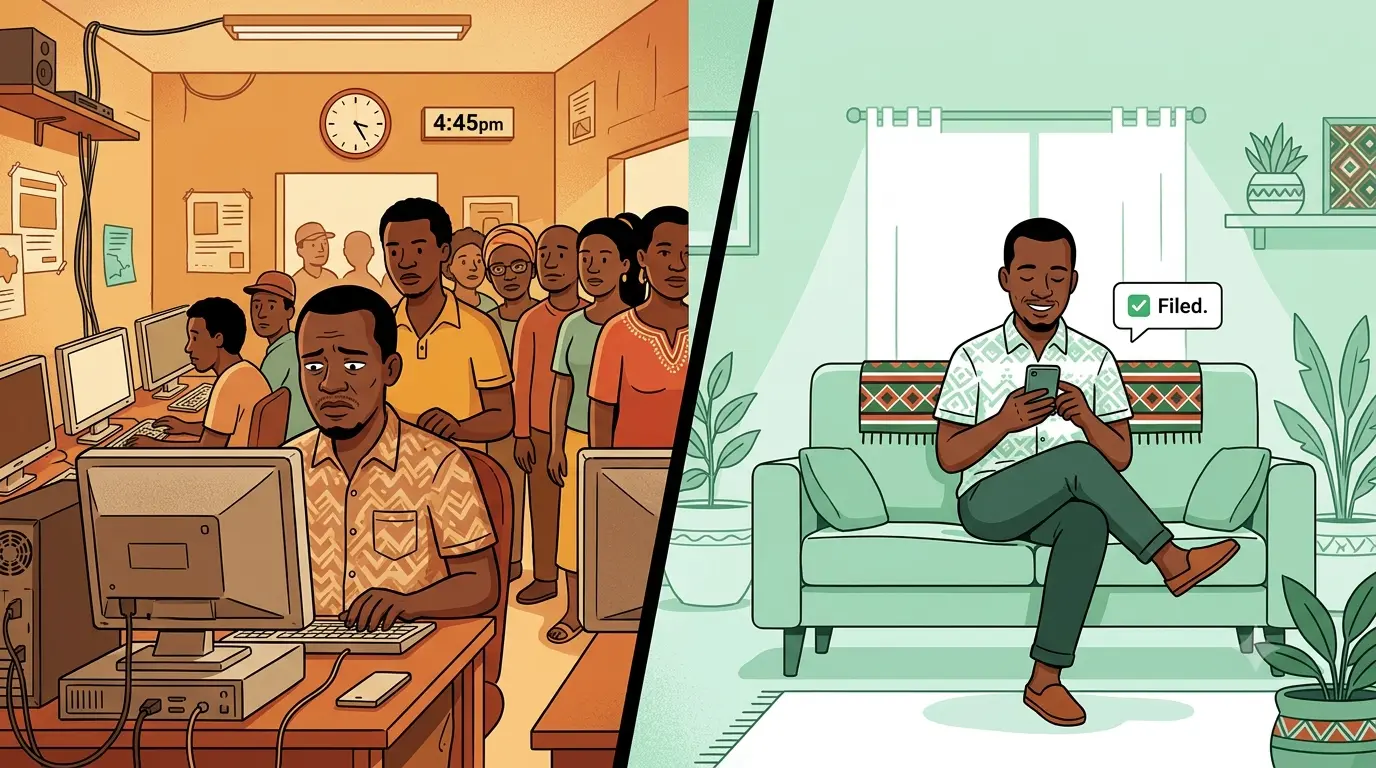
In this world, nothing can be said to be certain, except death and taxes -Benjamin Franklin. Centuries later, the taxes part remains as unavoidable as ever. As the deadline for filing returns with the Kenya Revenue Authority (KRA) draws near, the stress of navigating the period becomes overwhelming. Long queues at the Cyber Cafes, a sluggish itax KRA system, forgotten credentials, and much more. To counter all this, KRA has launched an AI-powered WhatsApp Chatbot to assist with the same. Enter KRA Shuru.
KRA Shuru is the official
WhatsApp bot launched by KRA. It was officially launched in April 2026 and is accessible
at the WhatsApp phone number 0711 099 999. Shuru brings core KRA
services directly to the WhatsApp chat. It can be used to:
·
File Individual Tax Returns:
Shuru pulls your pre-populated employment income data, including PAYE
deductions submitted by your employer, so you can review the figures and submit
your IT1 returns directly from the chat, no browser or Cyber Café required.
·
File Nil Returns:
If you had no taxable income in the previous year, you are still legally
required to file. Shuru makes this painless; the entire process takes under two
minutes, right from WhatsApp.
·
Generate eTIMS Invoices: For
those running a business, Shuru offers basic access to the Electronic Tax
Invoice Management System (eTIMS), allowing you to generate compliant tax
invoices without logging into the full KRA portal.
·
Check KRA PIN & Payment Status:
Not sure if your registration is active or whether a past payment went through?
Shuru lets you look up your PIN status and confirm payment records instantly,
saving you a trip to a KRA office.
·
Initiate Payments:
Generate a Payment Registration Number (PRN) or payment slip for your
outstanding tax obligations, ready to use with your mobile money or bank
payment of choice.
· Talk to a Human Agent: When the bot reaches its limits, you are not left stranded. Shuru can escalate your issue to a live KRA customer support agent, keeping the conversation within the same WhatsApp thread.
How to Use KRA Shuru
(Step-by-Step)
The process is designed
to be highly straightforward. Here is exactly how to interact with it:
1. Save the Official Number: Start Here.
Save the official KRA
Shuru number in your phone contacts: 0711 099 999. Always verify this
exact number to avoid falling victim to phishing scams.
2. Initiate the Chat: One
Message Away.
Open WhatsApp, open a new
chat with the saved number, and simply send a message like "Hi"
or "Hello".
3. Select Your Service: Choose
what you need.
The bot will immediately
respond with a numbered list of available options (e.g., 1. Nil Returns, 2.
Employment Income, 3. Check PIN Status). Reply with the number
corresponding to the service you want.
4. Verify Your Identity: Security
Check.
Shuru will ask you to
enter either your National ID Number or your KRA PIN. Once
submitted, the system will trigger a One-Time Password (OTP) sent to the mobile
number registered to your KRA profile.
5. Complete the Action: Confirm and Download.
Type the OTP into the chat to verify your session. From there, the bot will display your pre-filled summary or prompt you to confirm the filing. Follow the final on-screen prompts to download your receipt or submission confirmation.
⚠️ A Quick Note on Security: Users
and cybersecurity observers have flagged a privacy concern where Shuru displays
an individual's full name and KRA PIN immediately after typing an ID
number, right before asking for the OTP. Because of this, be cautious
when using it in public places, and ensure you are strictly messaging the
verified official number (0711 099 999) to protect your data.
Tax season does not have
to be a headache. With KRA Shuru, the tools to file, pay, and verify are now
sitting right in your WhatsApp; no queues, no forgotten passwords, no wasted
afternoons at a Cyber Café.
That said, technology is
only useful when you know how to use it confidently. If you run into any
hiccups along the way, whether it is a login issue, a confusing step, or just
needing someone to walk you through it, The TichaTech Project is here to
help.
📲 Call or WhatsApp us on 0791 198
929 or 0703 858 522
We will guide you through it, step by step.
Comments ()
No comments yet. Be the first to share your thoughts!